

Editorial illustrations spring/ summer 2026
2026
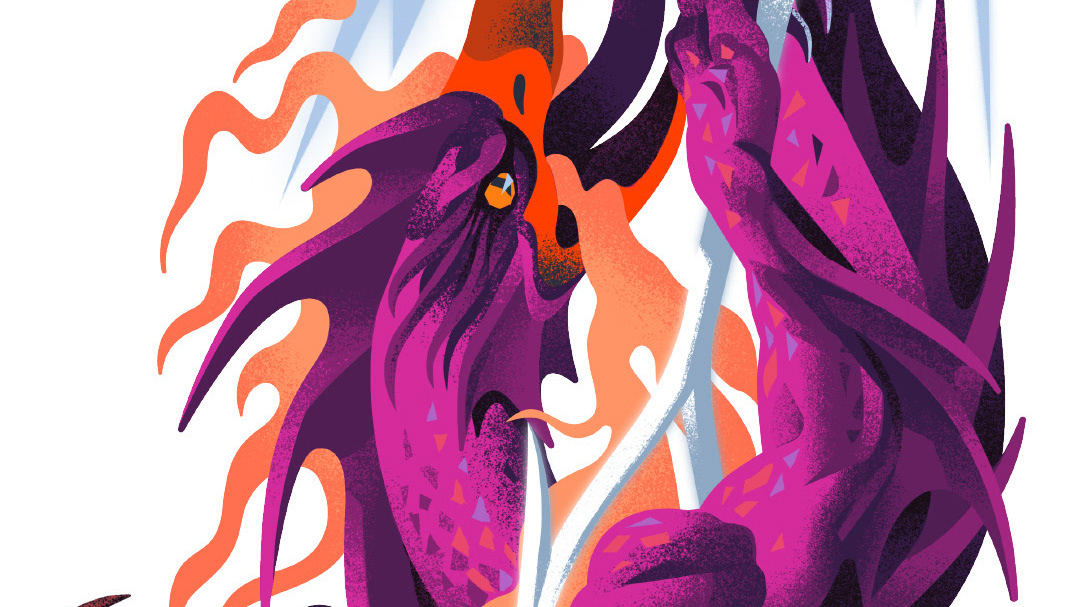
Case: "The slayer of chaos"
2026
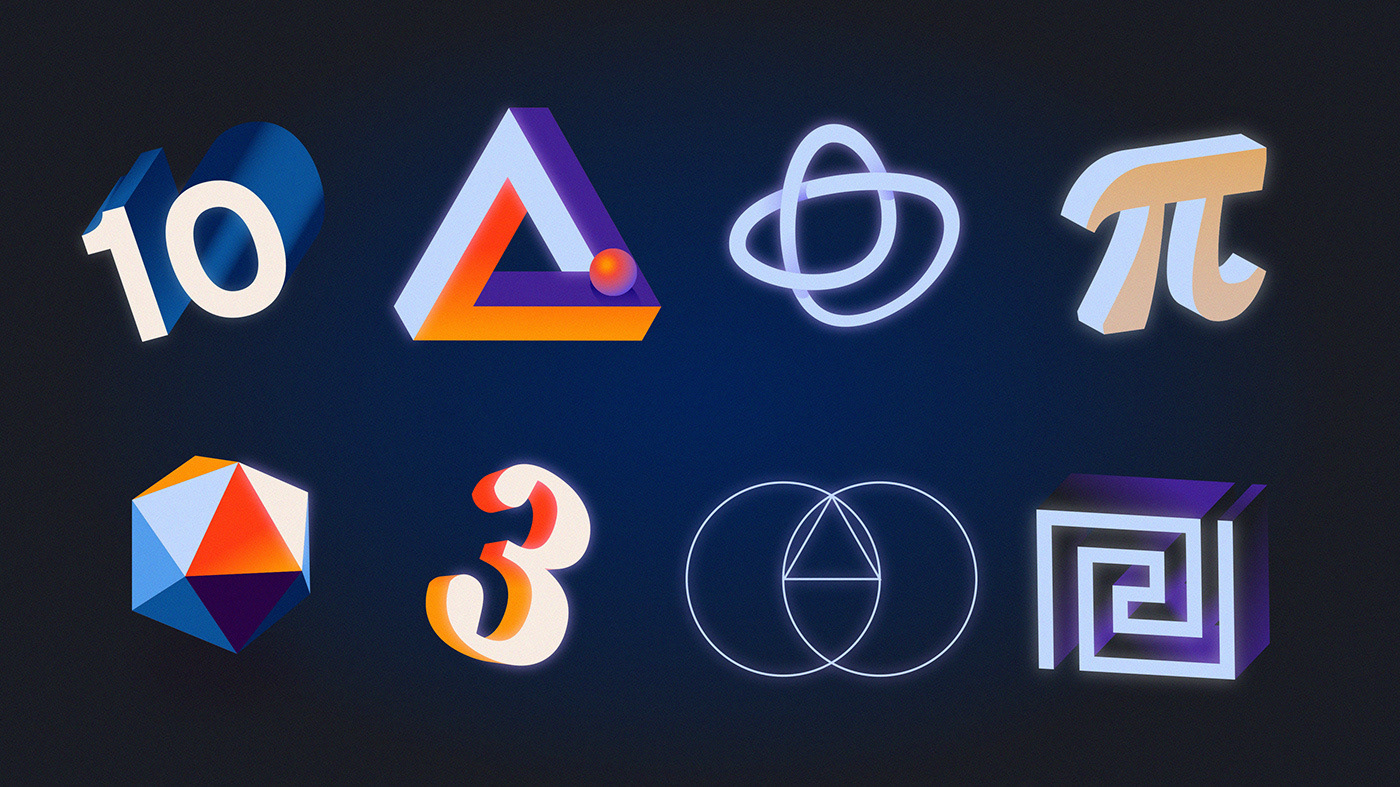
Editorial: Science & Tech, 2022-25
2026
Selected editorial highlights from 2022 - 2025
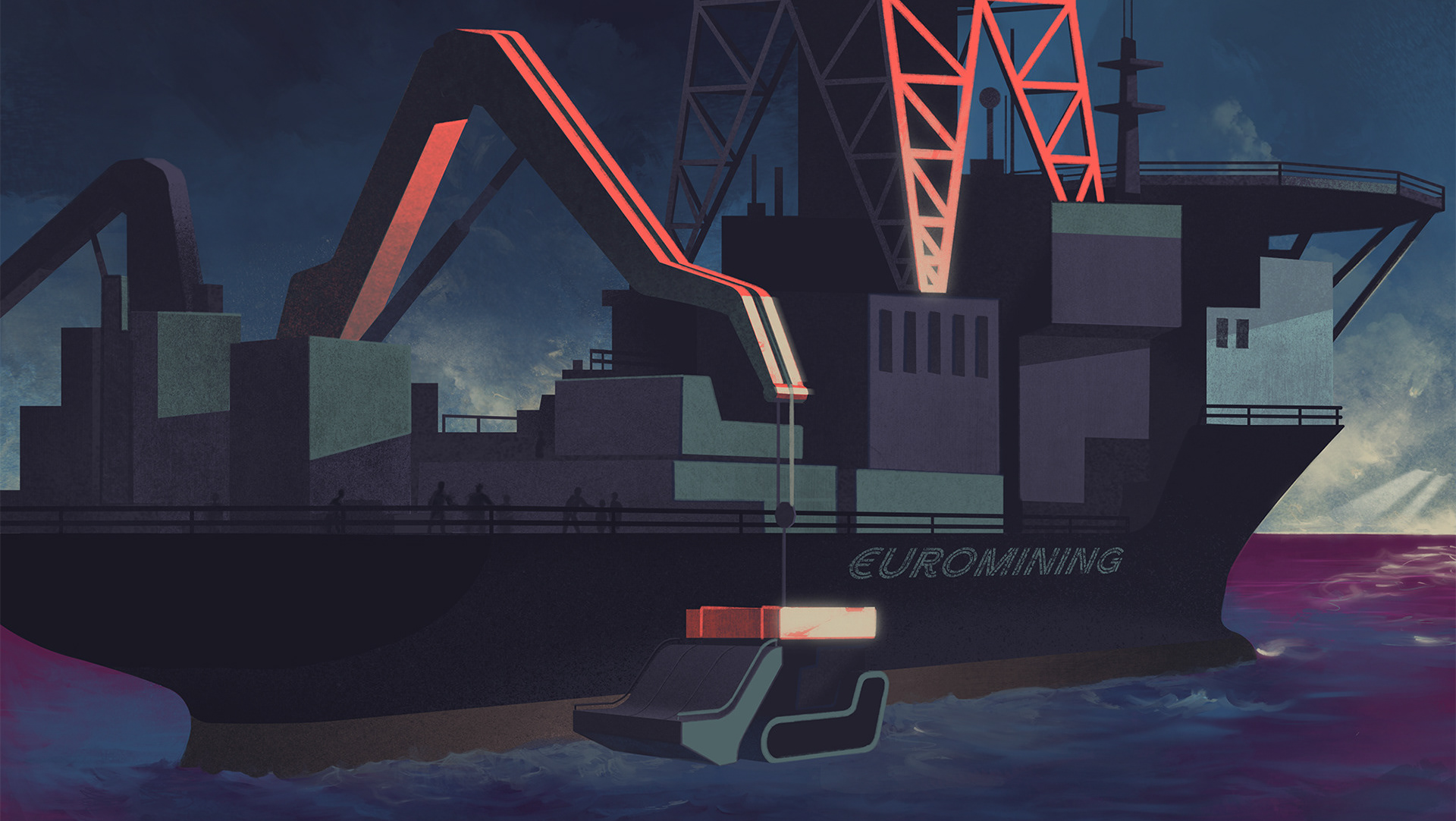
Case: Alternative futures
2025
Illustration for a series of future foresight reports on topics such as migration, raw materials and environment.
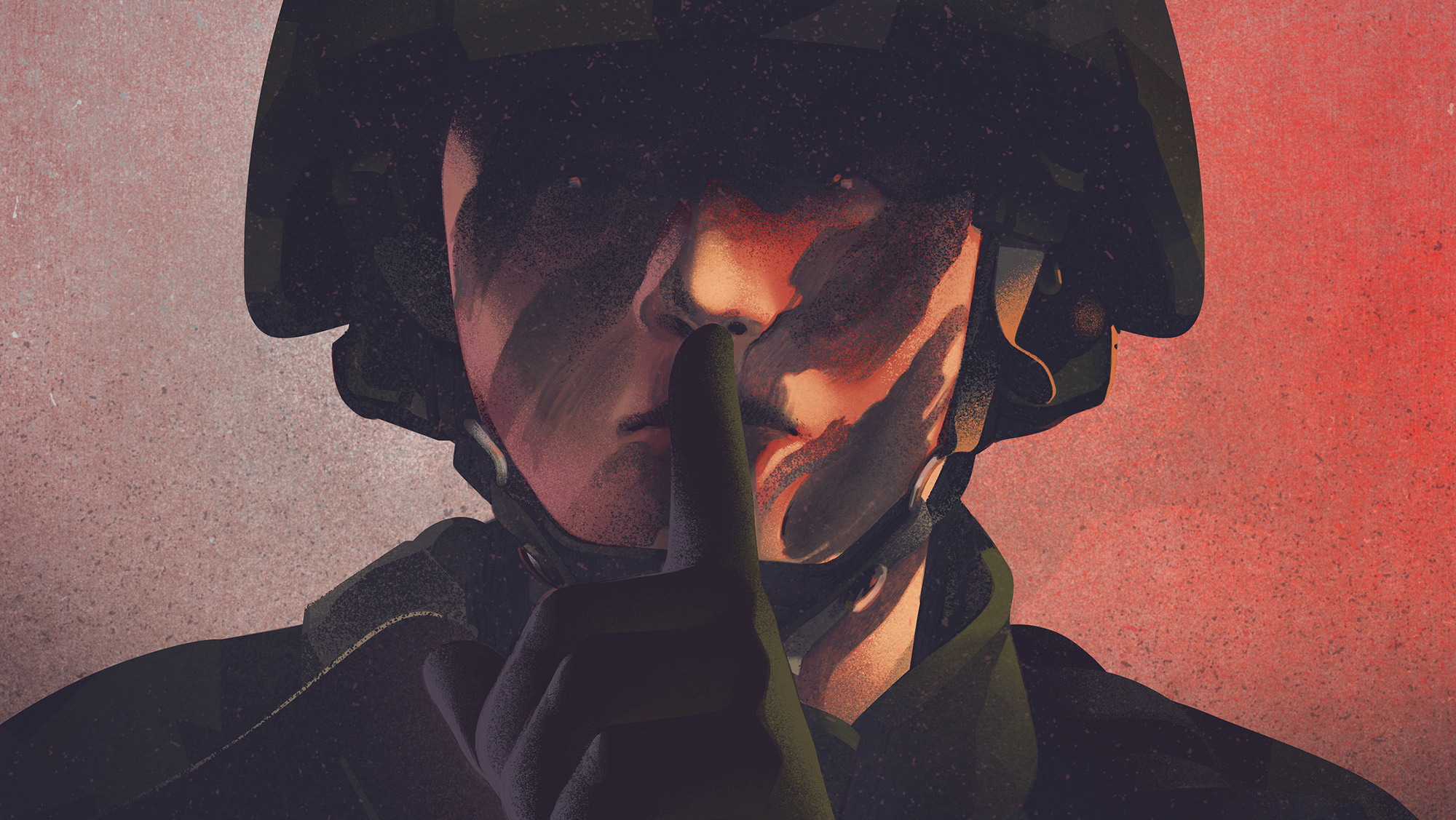
Case: Breaking the Silence
2026

Case: The Langlands program?
2022
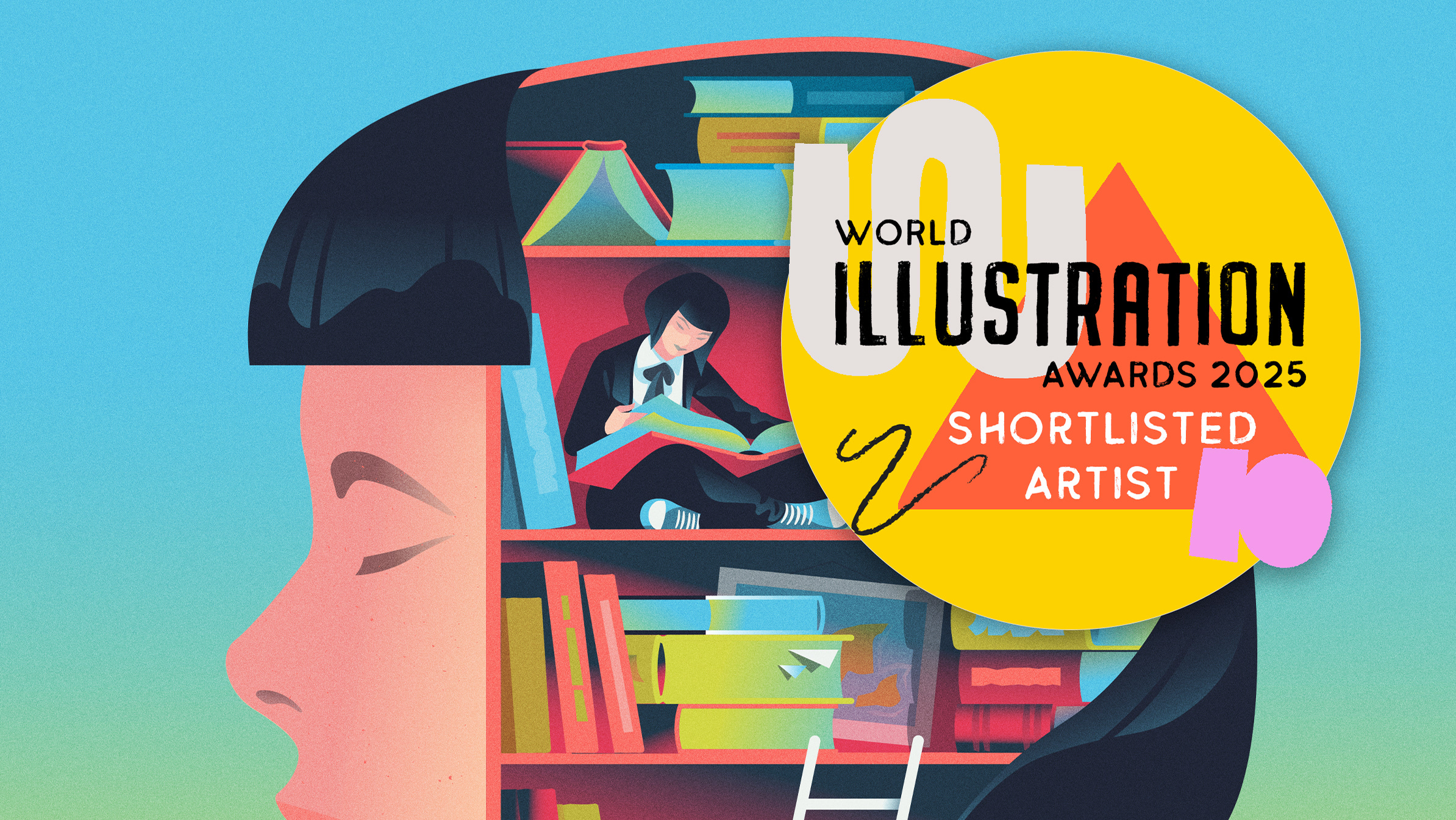
Case: 100 Illustrations about Work in Japan
2024
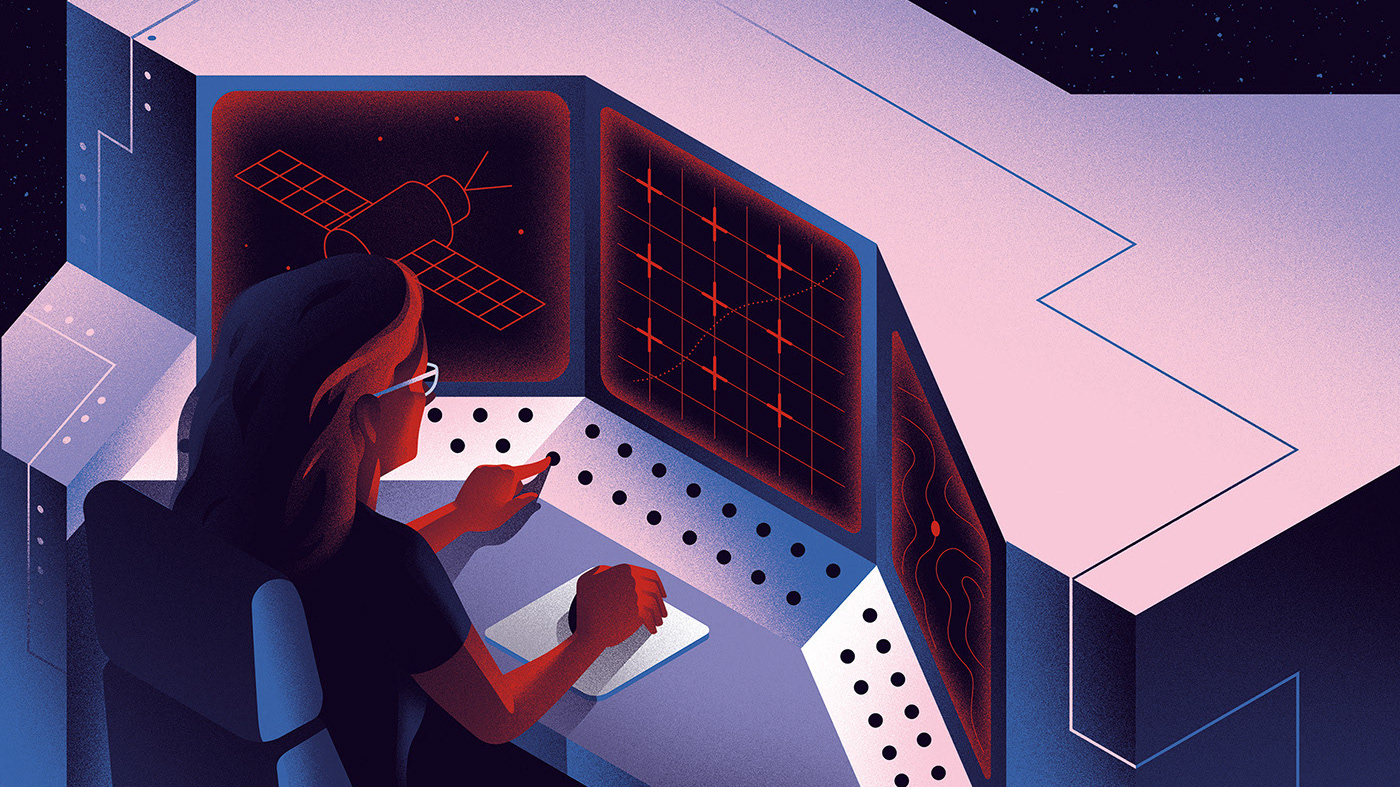
Best of 2015-2025
2026
Selected illustration work from the years 2015-2025
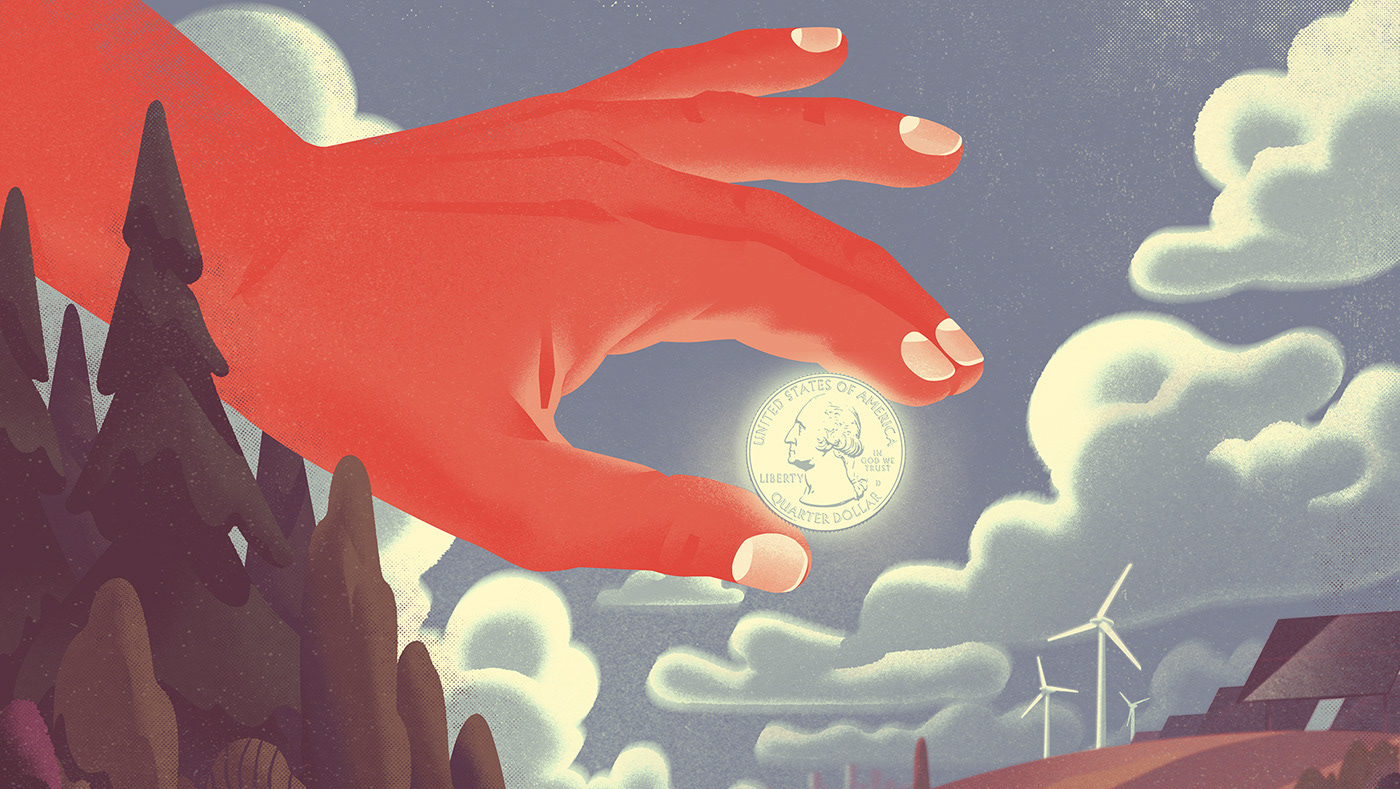
Editorial: Politics & Society, 2022-25
2026
Editorial highlights from 2022-2025

Editorial illustrations spring 2026
2026
Various editorial illustrations commissioned and published winter/ spring 2026

Motion Studies
2025
Selected set of short, concept-driven animation tests. Pieces that explore timing, rhythm, and image transformation. Focused on experimentation with motion workflows (from frame-by-frame to procedural techniques), with sound used where it strengthens the idea.
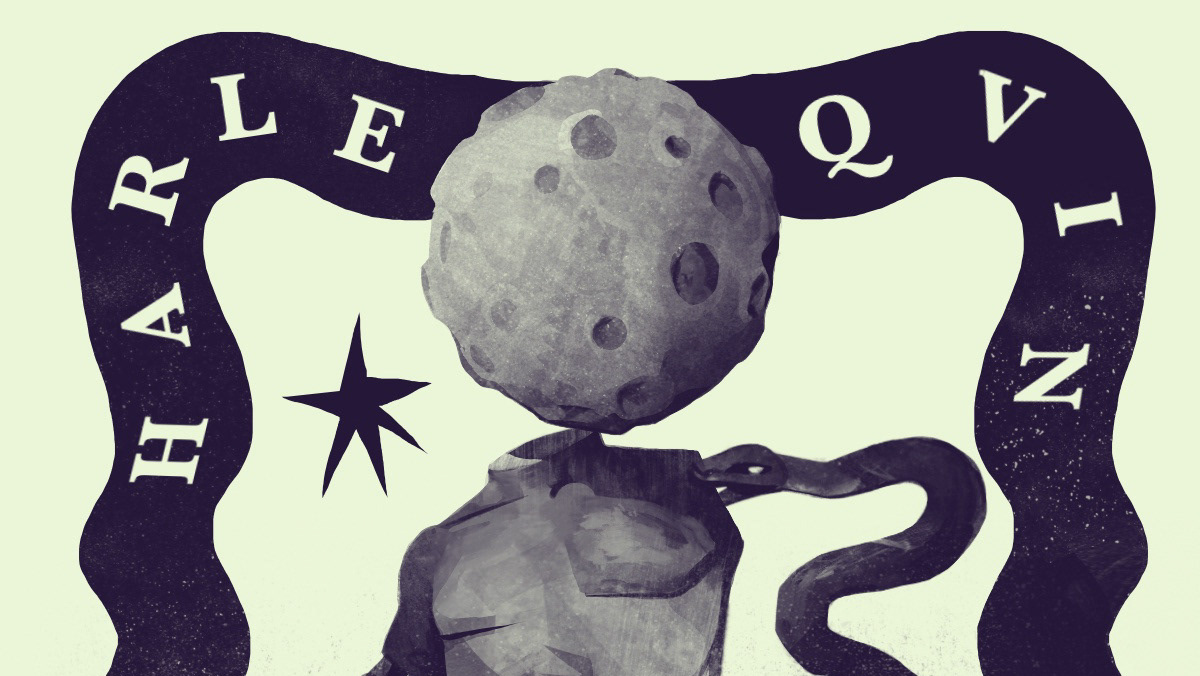
Case: Cuccù card game
2025
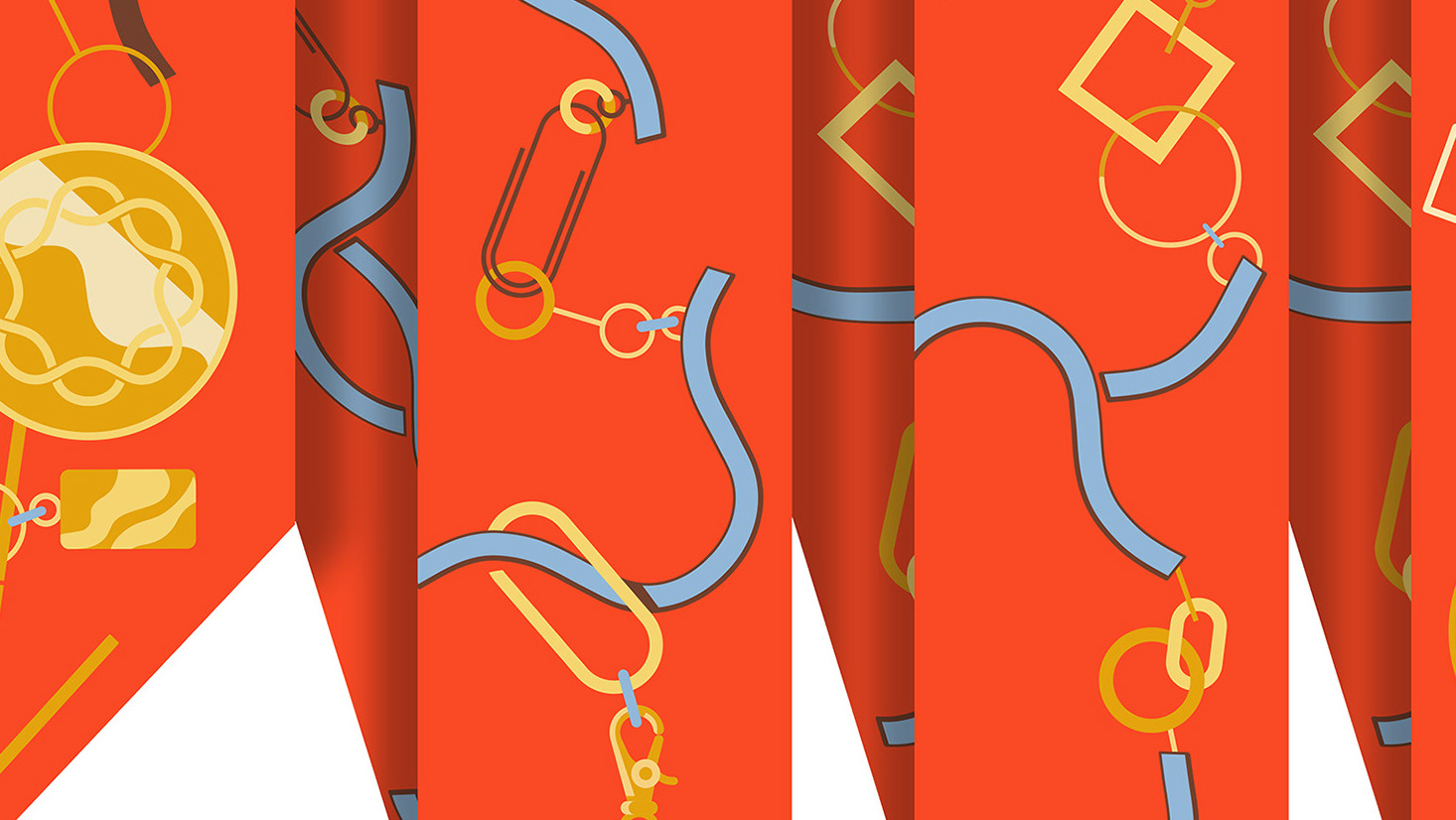
Case: CARRIE® Silk twirls
2024
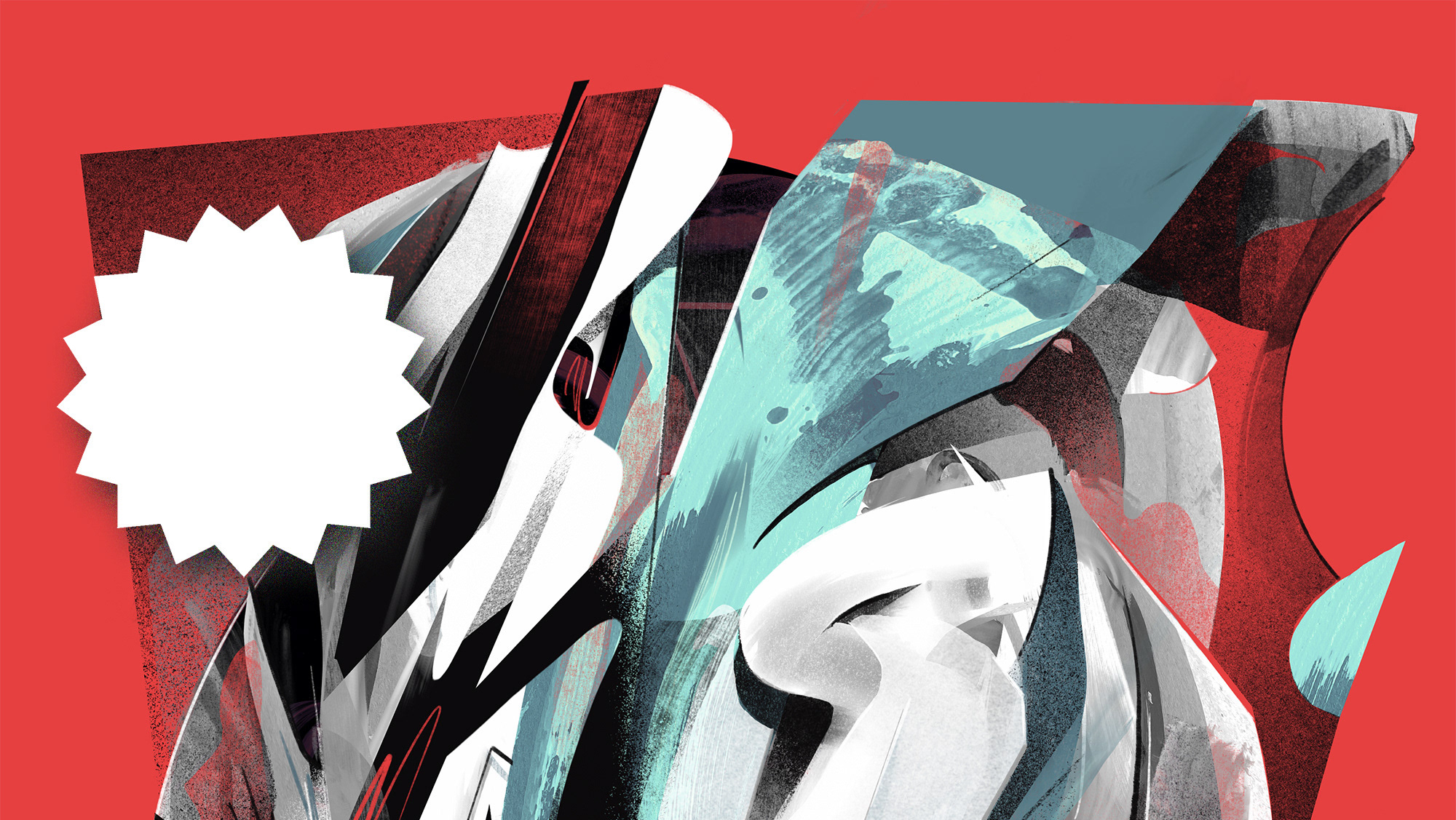
Material & Process lab
2025
Selected R&D projects where ideas are tested through materials and process. These are hybrid works that move between digital image- and video making, sound, fabrication, and hand-finished physical outputs (prints and objects).